
AI MUSIC VIDEOS
Create the world you hear.
Turn your song into a music video. Upload an MP3, WAV, M4A or FLAC from Suno, Udio or your own recordings, pick one of 18 styles, and see every scene before your video is made. Videos up to 10 minutes.
Free to start with 300 credits. No card needed.
- See every scene before the video is made
- Characters stay the same in every scene
- Singers' lips follow your song
Why Audove
You direct. Audove does the work.
Many AI video tools give you one click and a surprise. Audove lets you choose at every step.
See it before it's made
Pick one of three storyboards and check every scene before any video is made.
Characters stay themselves
Create your characters once. Every scene is drawn from them, so faces and outfits stay the same.
Lips follow the singer
In singing scenes, each clip gets its piece of your vocals, so the singer moves with the voice.
Scenes follow the music
Audove finds your song's lyrics, beats and parts, and plans the scenes around them.
Your songs stay private
Only you can play your songs and videos. We never sell your content or use it for ads.
Prices you see first
Every step shows its cost in credits before you start. No surprises at the end.














How it works
From your song to your world
Four simple steps. Audove does the heavy work, and you make every choice.
- Step 1
Start with your song
Upload a song you made. Audove finds its lyrics, beats and parts, so every scene follows the music.
- Step 2
Imagine its world
Pick a style, write your idea or let Audove suggest one, and create the characters of your story.
- Step 3
Pick your storyboard
Choose one of three storyboards. Audove plans every scene and draws each frame, so you see it all before the video is made.
- Step 4
Watch it come to life
Your frames become video clips, joined with your song. In singing scenes, the singer's lips follow the voice.




Styles
Find your visual world
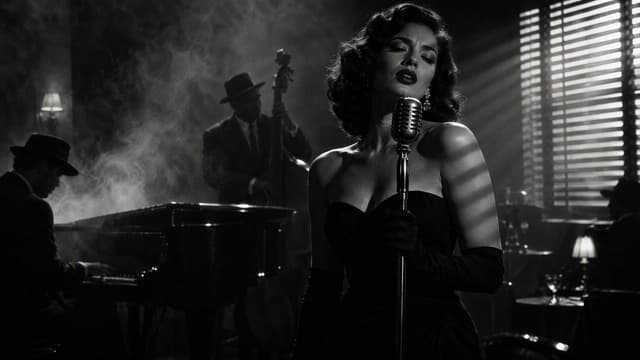
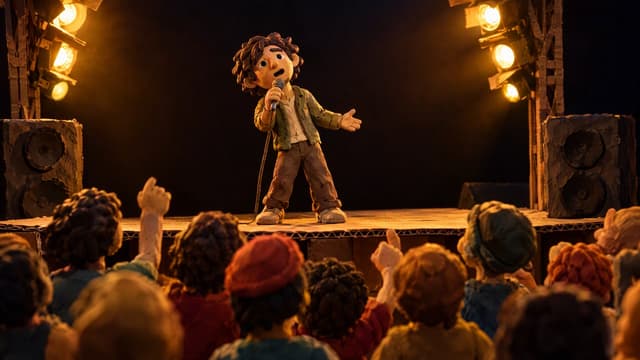
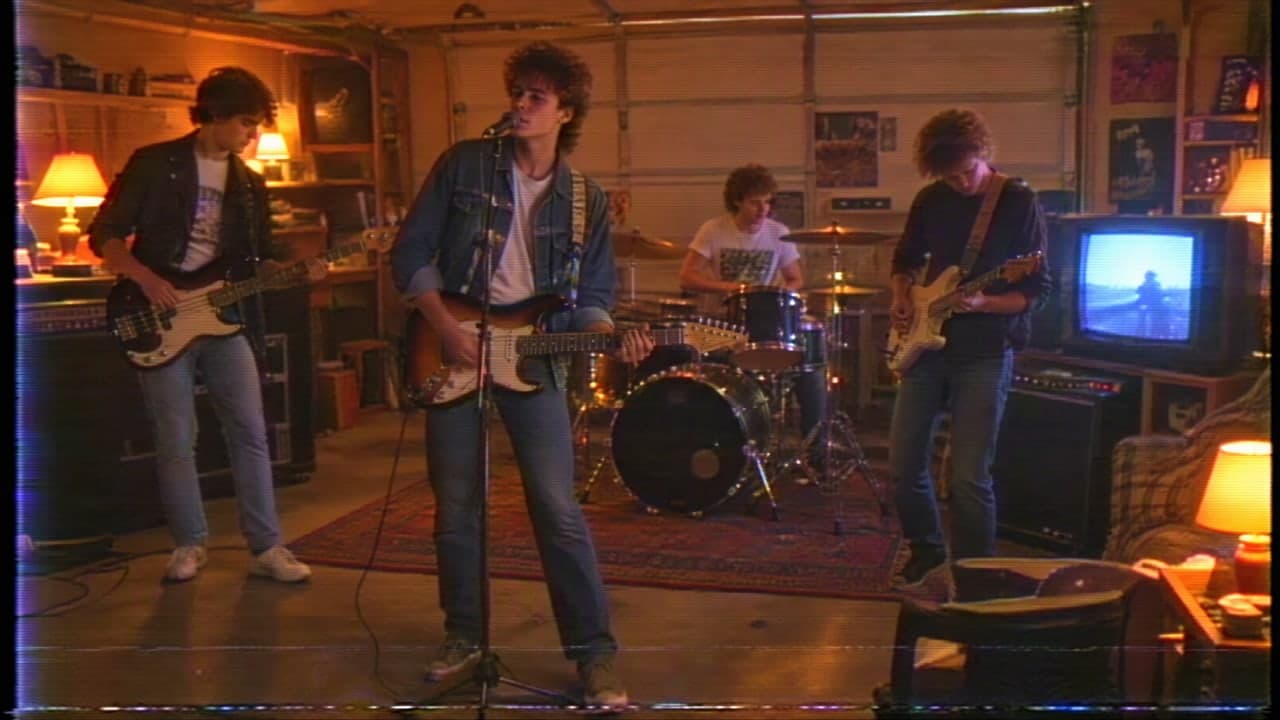
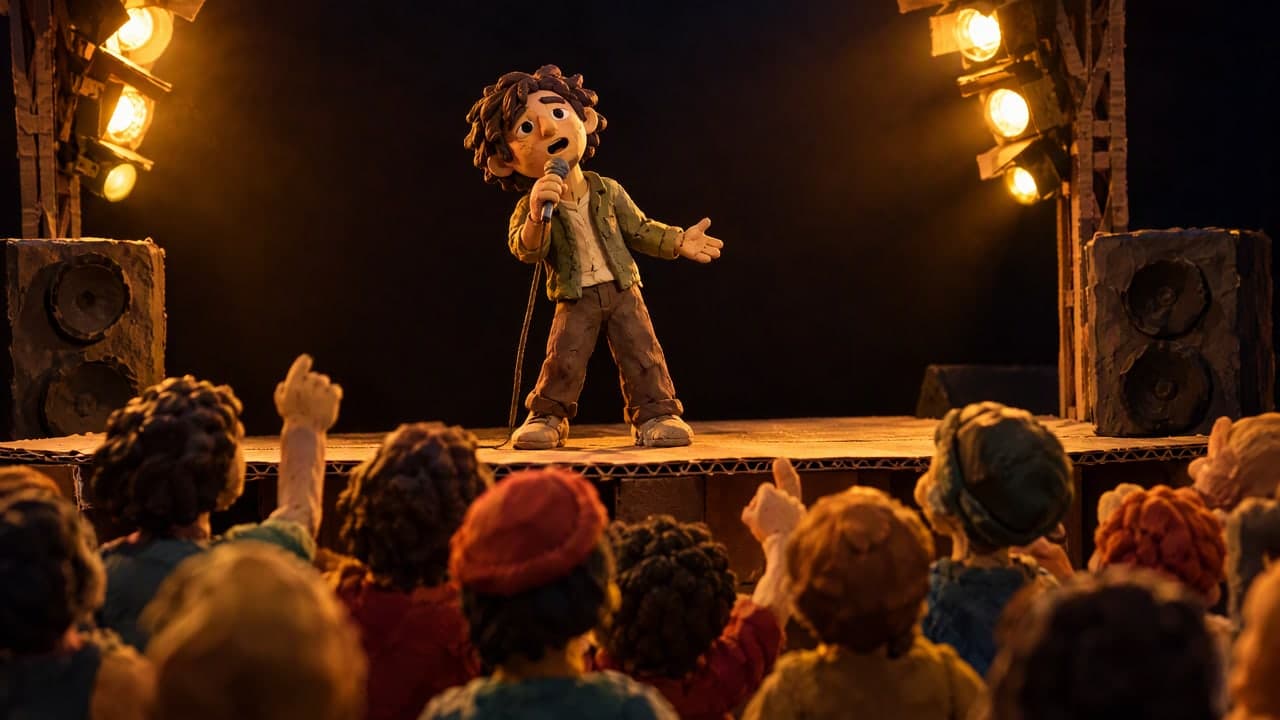
18 styles to start from, or describe your own. Open one to see it large.
Who it's for
Made for anyone with a song
No camera, crew or editing skills needed. Just your song and your ideas.
Singers and bands
Get a music video for your release without a film crew or a big budget.
Songwriters and hobbyists
Made a song at home or with an AI music tool? Give it a world to live in.
Content creators
Make videos for YouTube, Reels and Shorts, and post them commercially on a paid plan.
Pricing
Start free, create more with a plan
Every step shows its price in credits before you start. 100 credits are $1.

Free
$0to start
Try characters and a storyboard. Add a credit pack to make videos.
300 creditsonce, for 30 days- Character sheets
- Storyboards with 3 options
- Videos with a credit pack

Starter
$15a month
About 1 minute of video a month.
1,500 creditsevery month- 768p videos up to 5 minutes
- 1 video at a time
- No watermark
- Commercial use
 2K quality
Creator
$35a month
About 3 minutes of video a month.
3,800 creditsevery month- Up to 2K videos up to 5 minutes
- 2 videos at a time
- No watermark
- Commercial use

Pro
$99a month
About 9 minutes of video a month.
11,000 creditsevery month- Up to 2K videos up to 10 minutes
- 3 videos at a time, faster queue
- No watermark
- Commercial use
FAQ
Questions, answered
Short answers to what people ask before they make their first video.
What do I need to start?
A song file, such as MP3, WAV, M4A or FLAC (5 seconds to 10 minutes) and a Google account or email address. You get 300 free credits, and you don't need a card.
Can I check my song before I start?
Yes. Our free BPM and key finder shows your song's tempo, key, beats and bars without an account. Audove finds the same beats to cut your video on the music.
What if I don't have an idea for the video?
Try our free music video idea generator. Tell it about your song and get three ideas, each with a look, a camera style and key moments. In Audove, "Suggest an idea" does the same from your song's lyrics and parts.
Can I use any song?
Use a song you made, or one you have the rights or a licence to use in a video.
Can I use a song I made with Suno?
Yes. Download it from Suno as MP3 or WAV and upload it like any other song. Our Suno to video guide shows the steps, tips and real videos made from Suno songs.
Can I post my video and earn from it?
Yes, on a paid plan you may use your videos commercially, for example on a monetised channel or to promote your music. Free plan videos carry an Audove watermark and are for personal use.
How long can my video be?
Up to 10 minutes on Pro. Each plan's limit is on the pricing page. On the Free plan, a credit pack unlocks videos.
Will the singer's lips match my song?
In singing scenes, each clip gets its piece of your song's vocals, so the singer's lips follow the voice. AI results can still be imperfect, so check your video before you post it.
Who can see my songs and videos?
Only you. They are stored privately, and we never sell your content or use it for ads. Styles you create with "Create your own" are shared with everyone, without your name. Read our Privacy Policy.
How do credits and refunds work?
100 credits are $1, and every step shows its price before you start. You can ask for a full refund within 7 days of a payment if you have used less than 20% of its credits. See Refunds.
Your song already has a world. Let's see it.
Upload a song and see your first storyboard today.
Free to start with 300 credits. No card needed.